In this article
Creating Job Titles
1
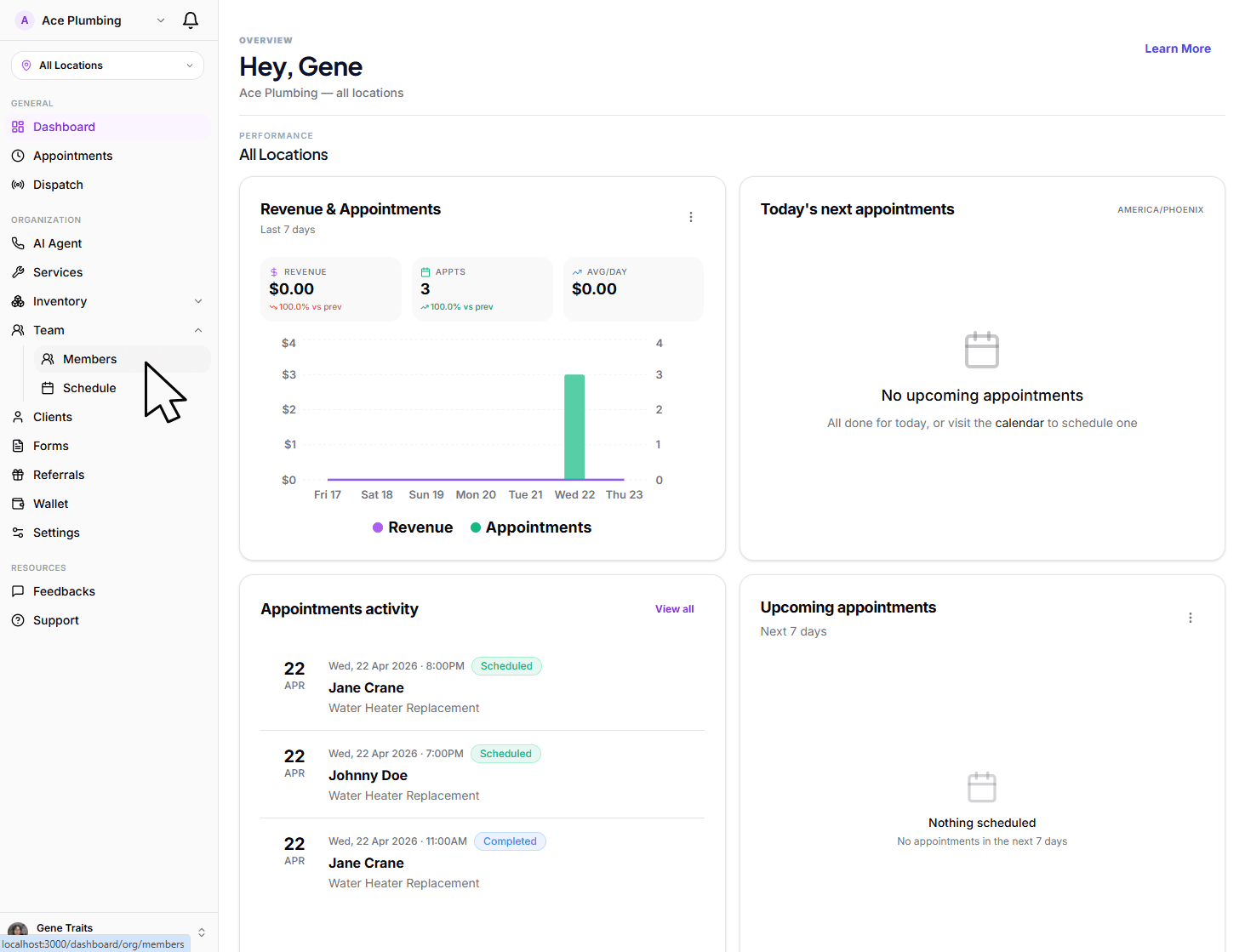
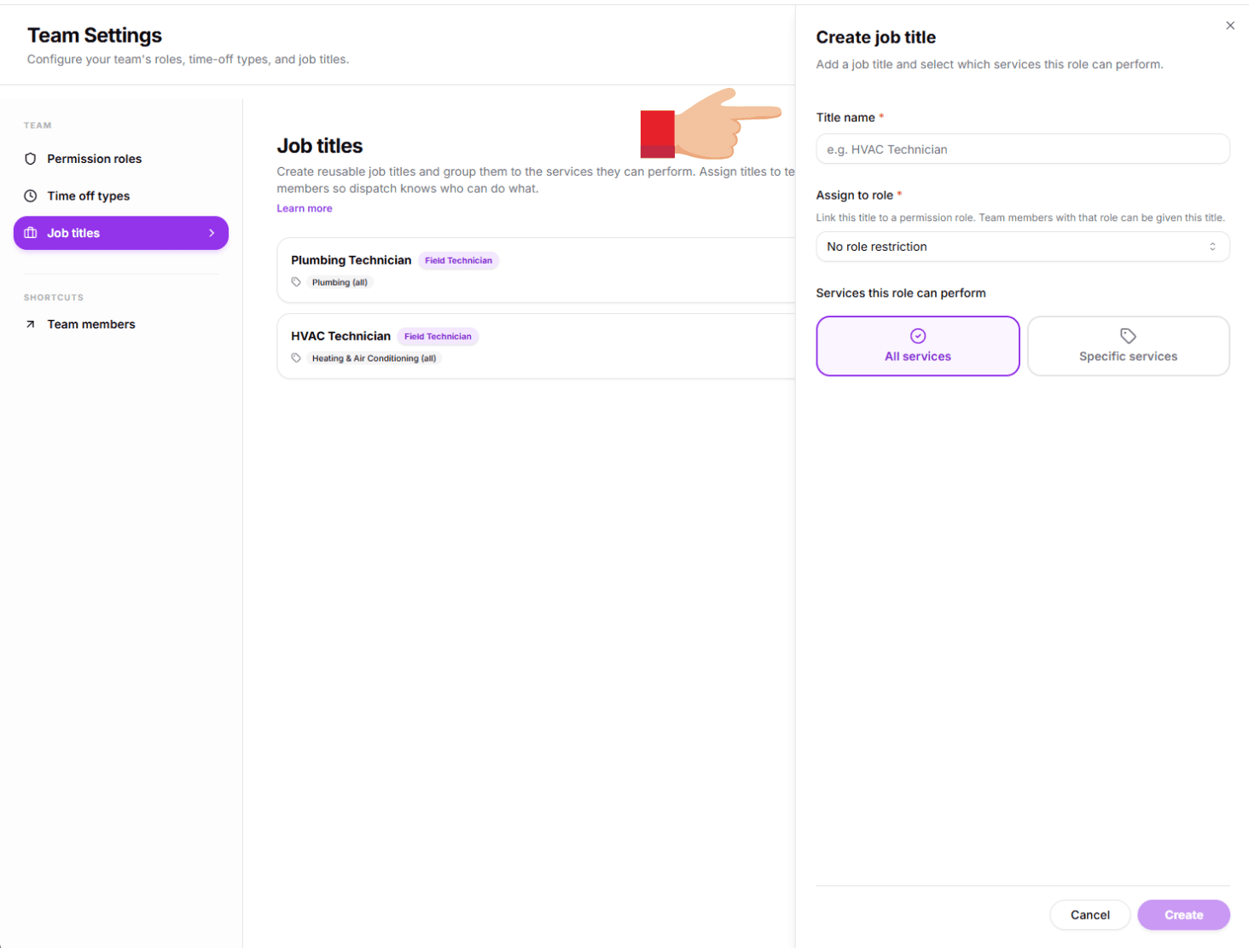
Open the global menu and tap the Members tab.
2
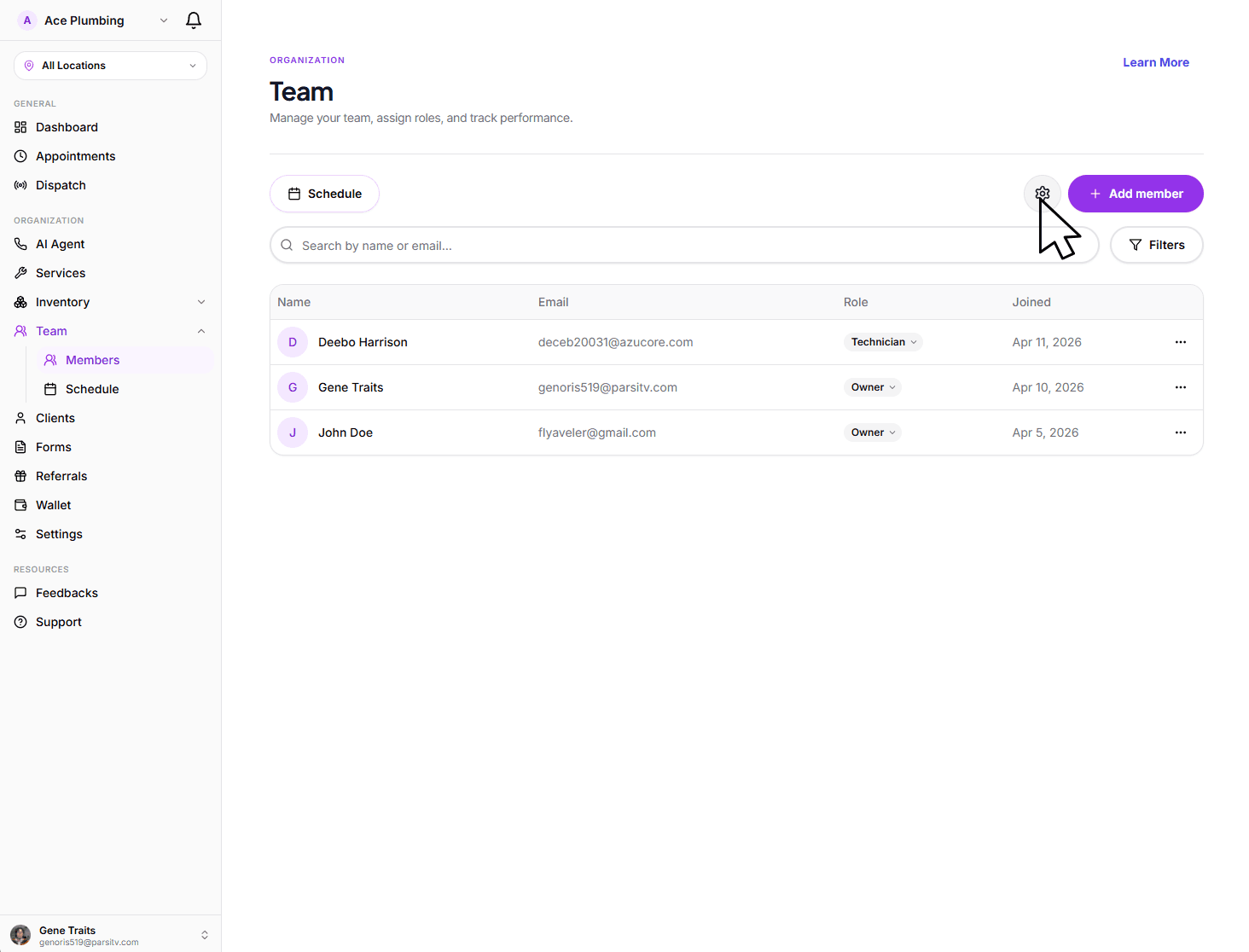
Tap the Settings (cog) icon at the top of the members list.
3
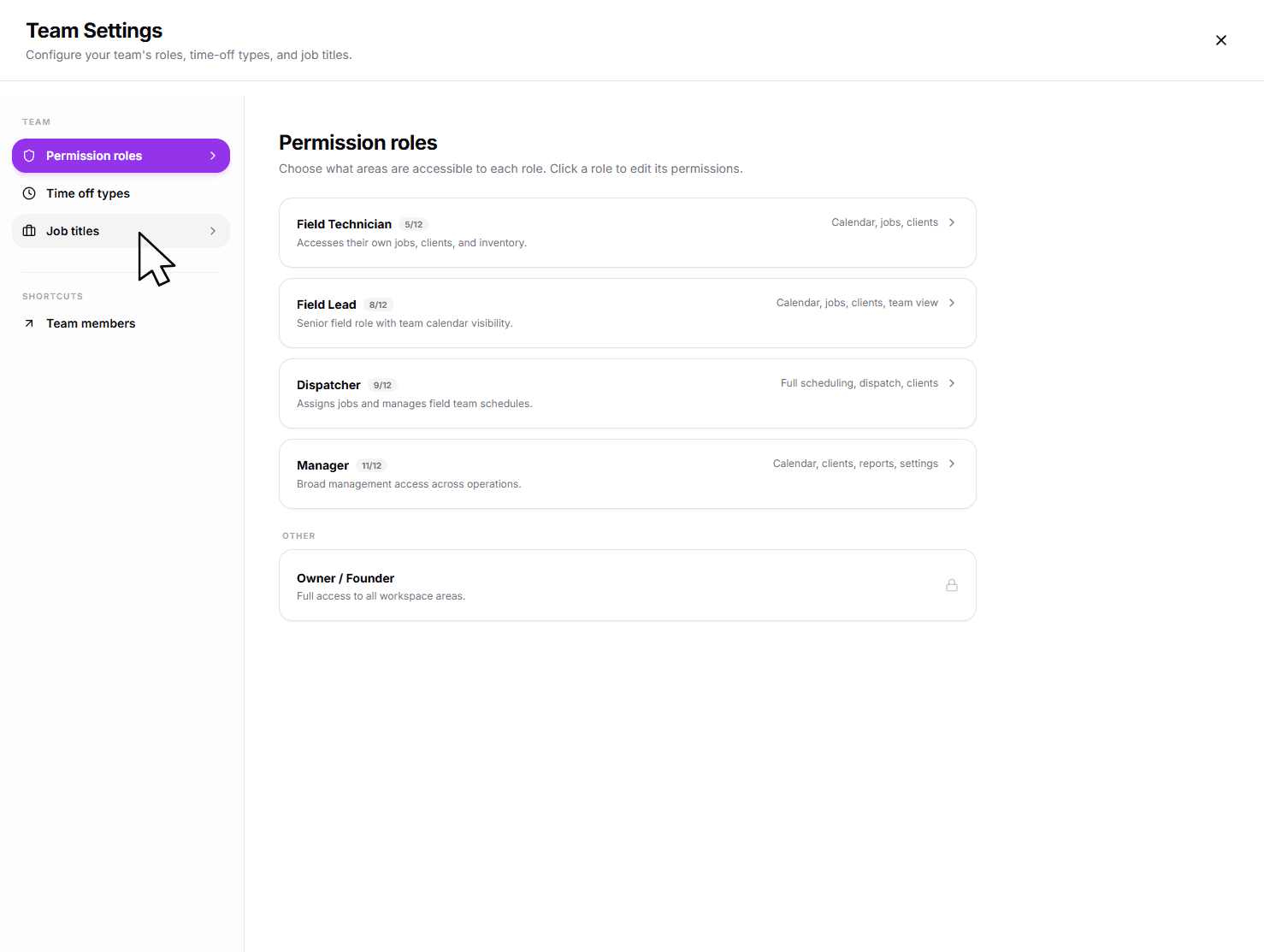
Select the Job Titles tab in the navigation bar.
4
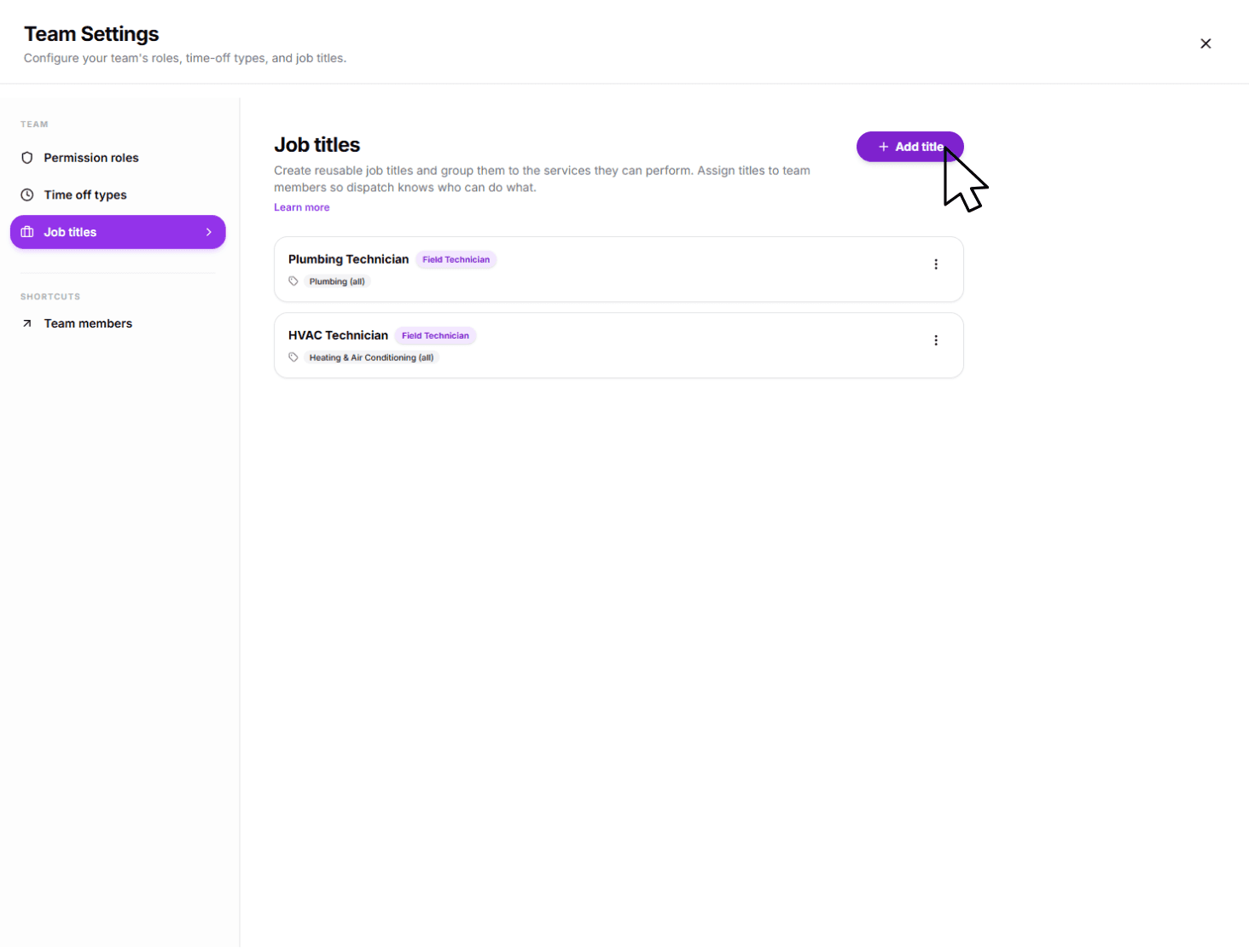
Tap Add Title to open the configuration sheet.
5
Enter the title name, select the role and allowed services, then tap Save.
Assigning to Team Members
1
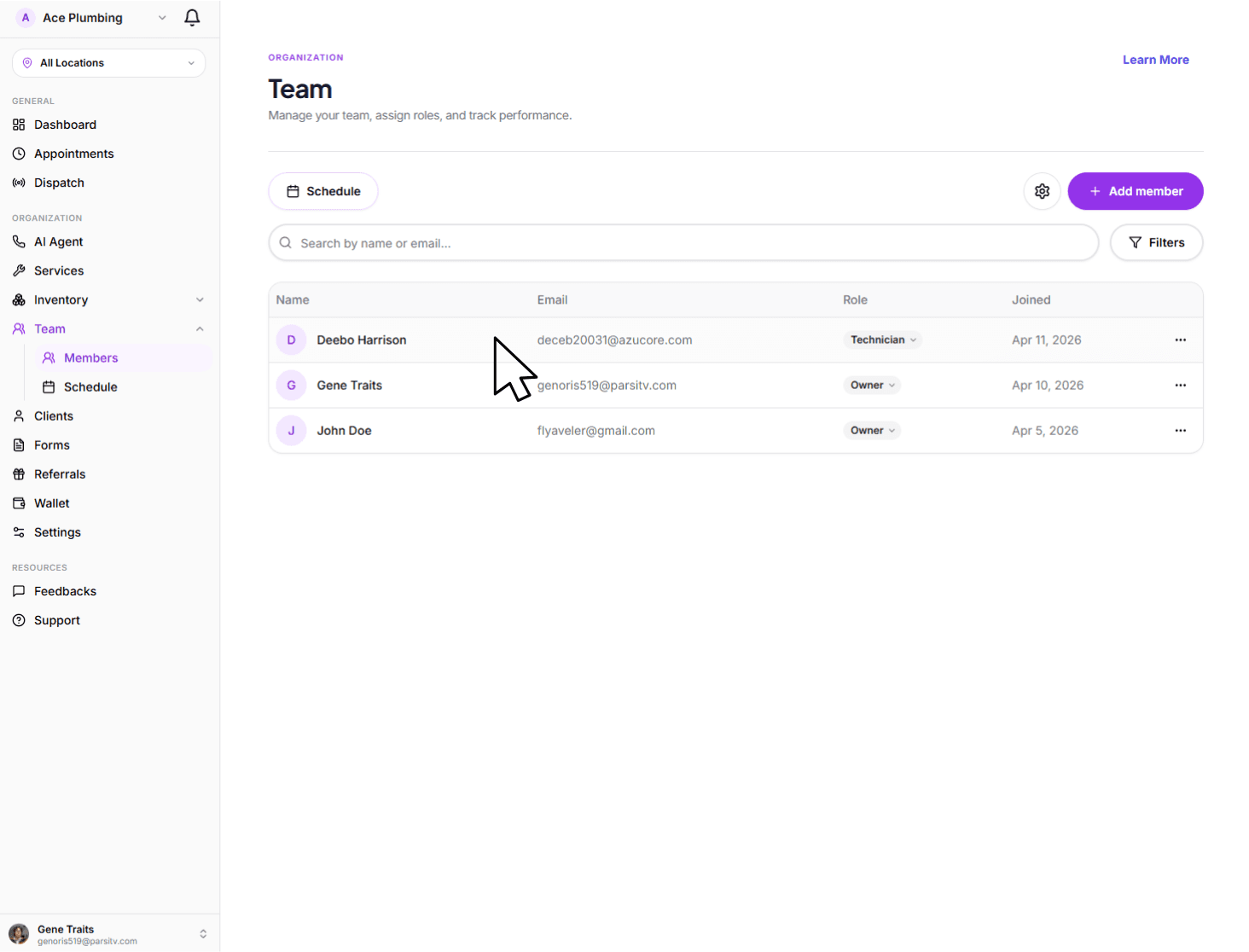
Tap on the team member you want to update from the list.
2
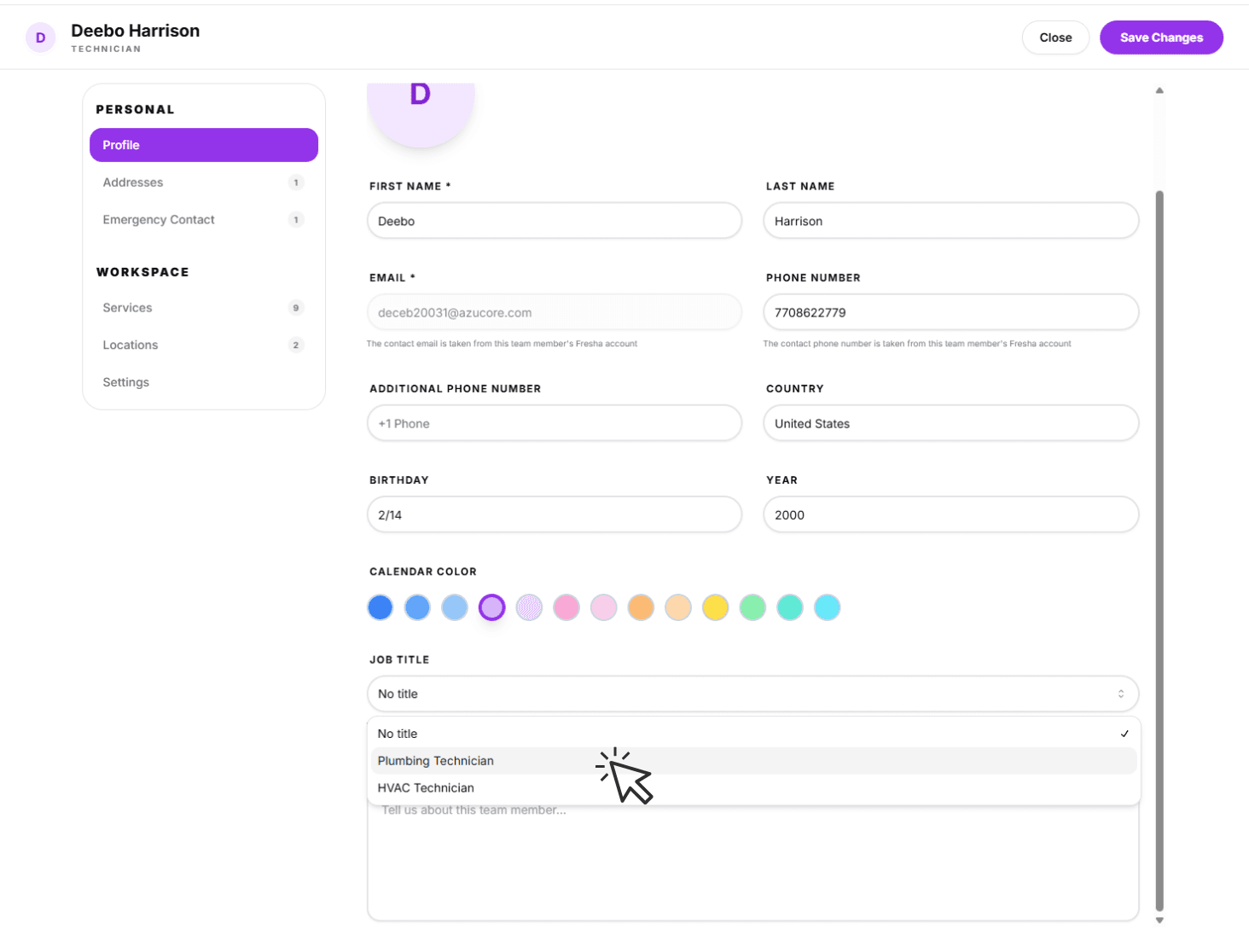
Scroll to the Job Title field and select a title from the dropdown menu.
3
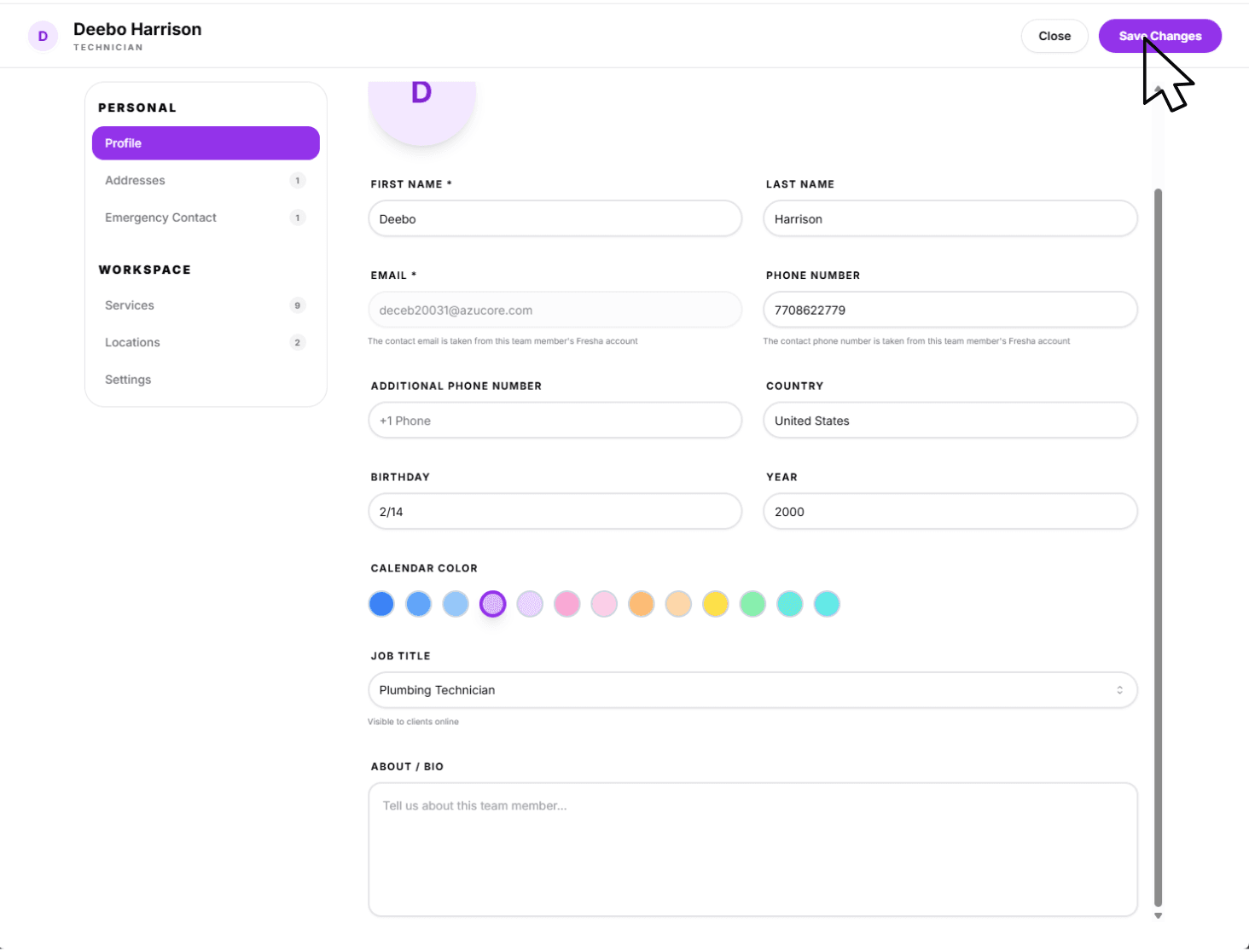
Tap the Save button at the bottom of the profile to apply the changes.